
How to use Civilian Renamer made by Darryl Jones
Learn the fundamentals of using the script Civilian Renamer made by Darryl Jones. Hosted on EarthieWorld.
All Guides-
Spectrum3900
Instructor
Get the Script
The script from Darryl Jones - Renames Civilians to include their faction for searchability in Administration. Get the script on Earthie.World - https://www.earthie.world/script-tools
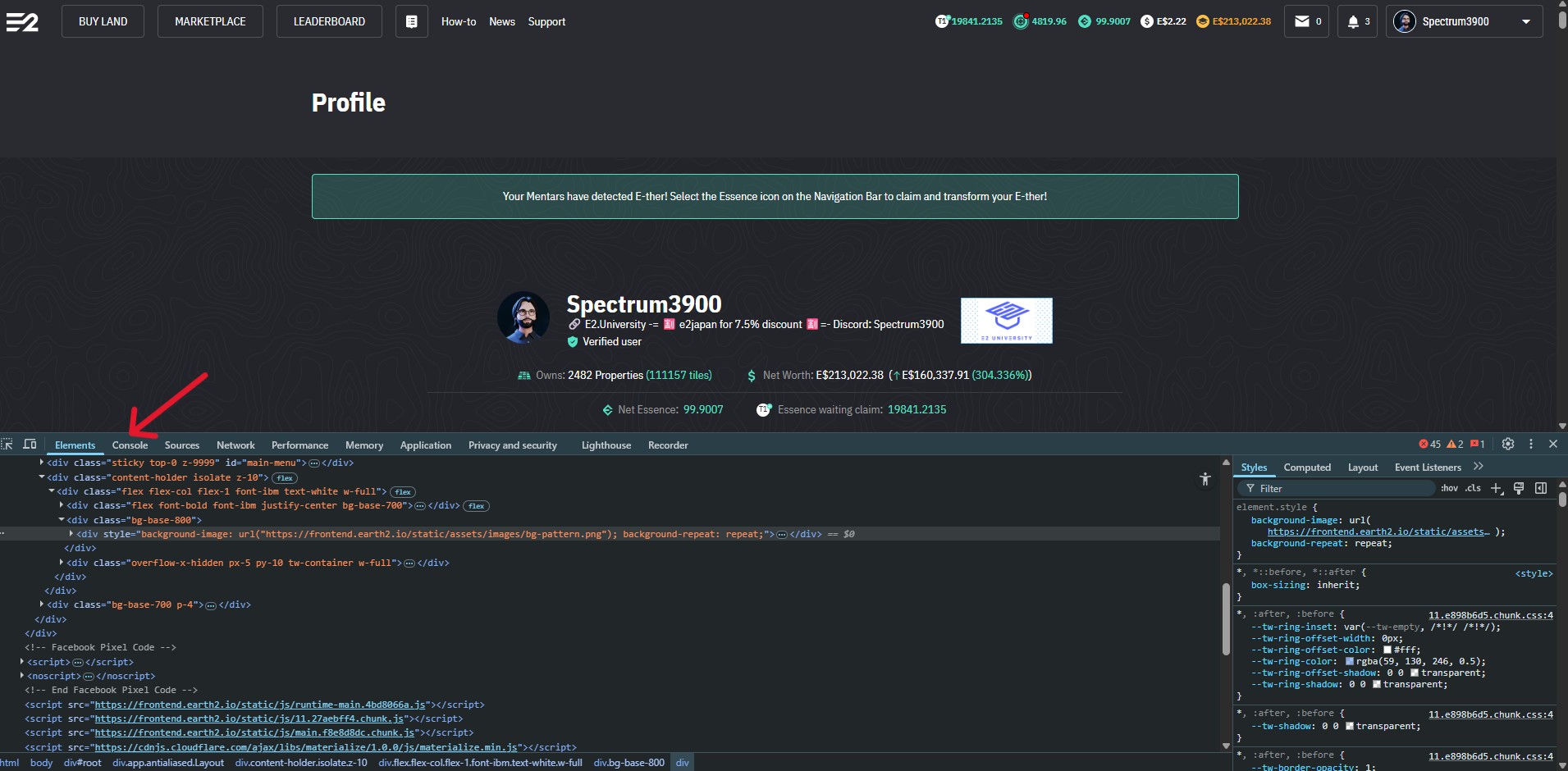
Go to Earth2 Website
Go to your account page and open the console. You right-click on the page and click Inspect or use F12.
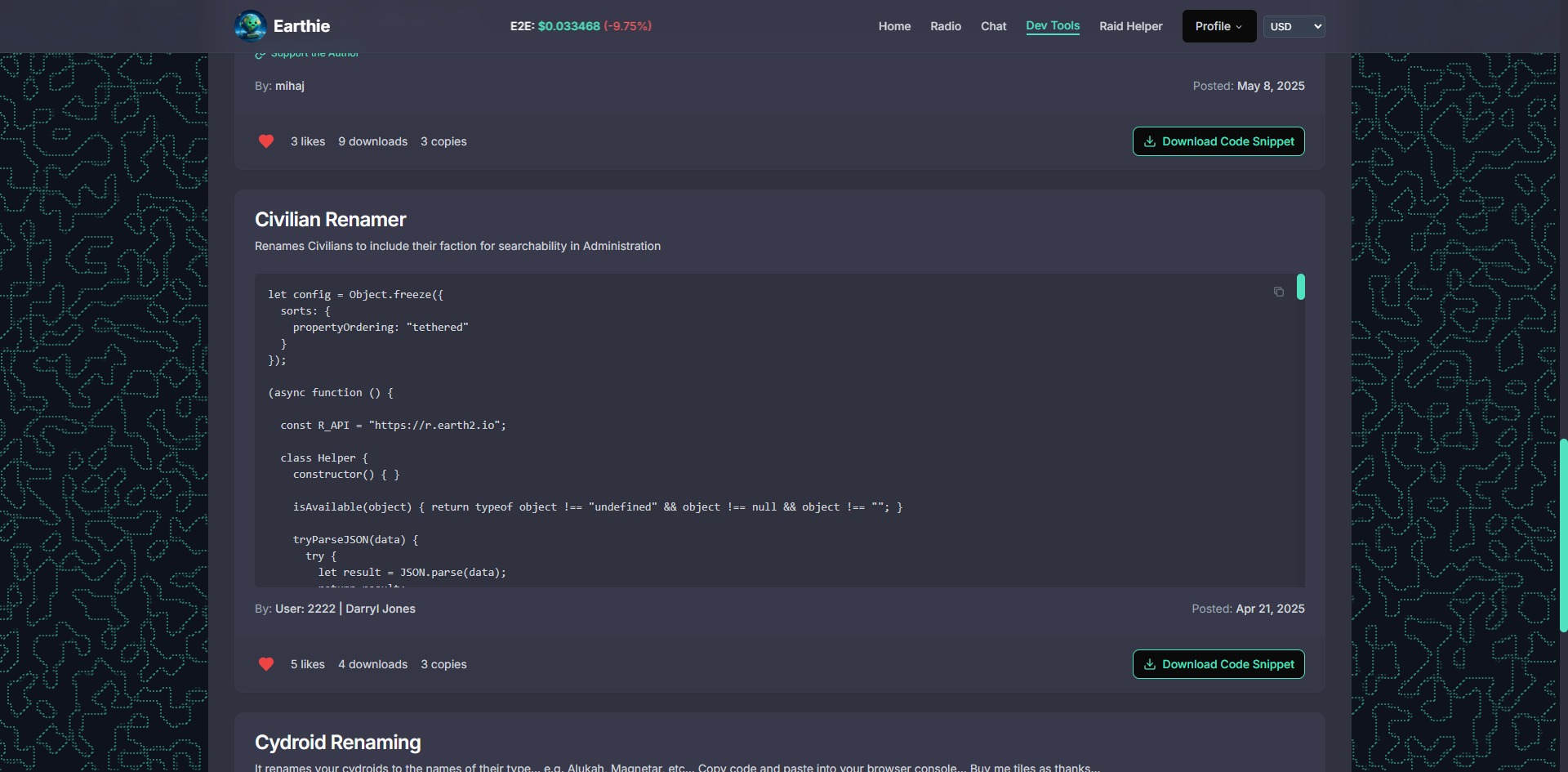
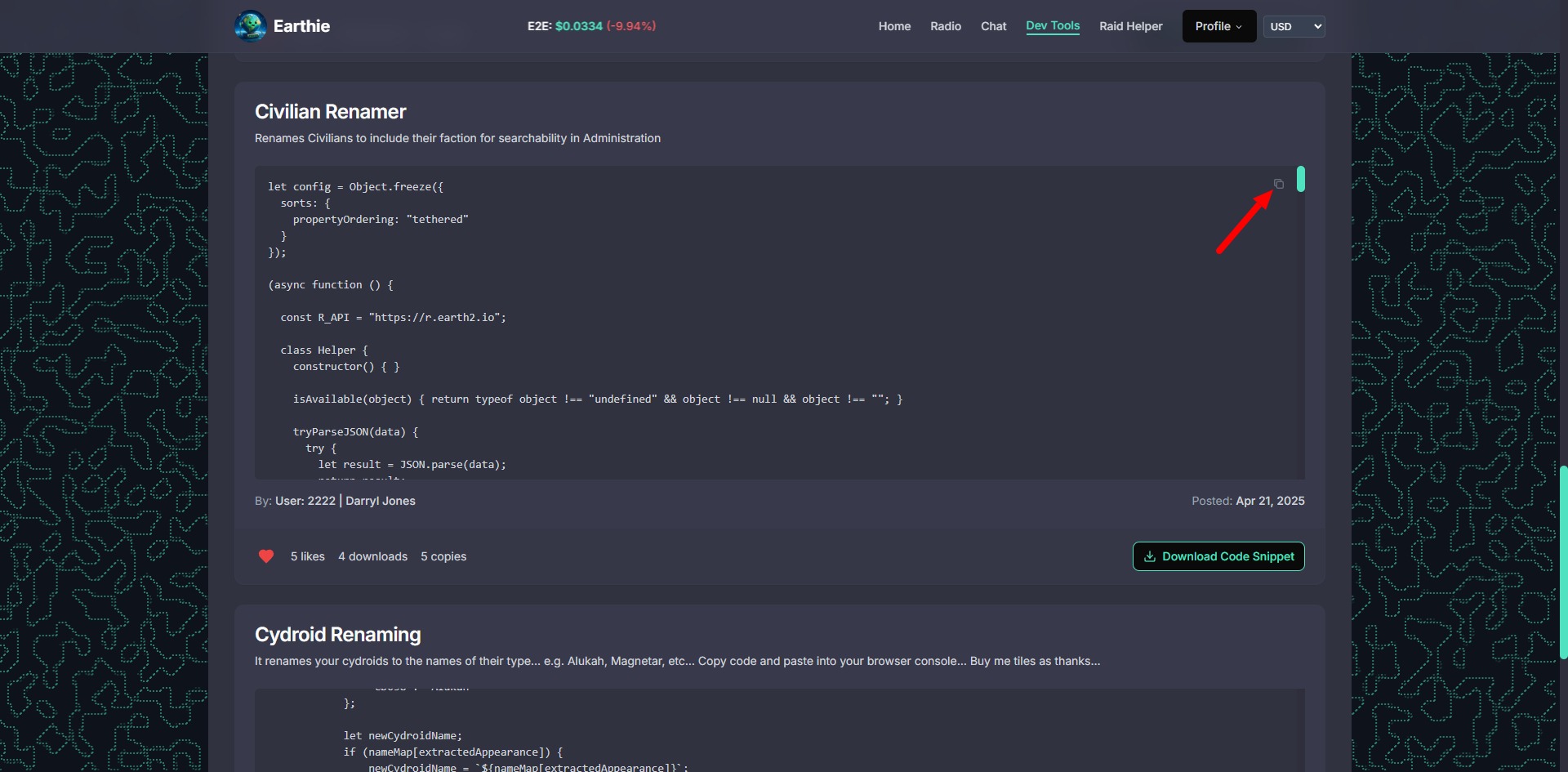
Copy the script
Copy the script in Earthie.World page - use the copy icon on the top right of the code field.
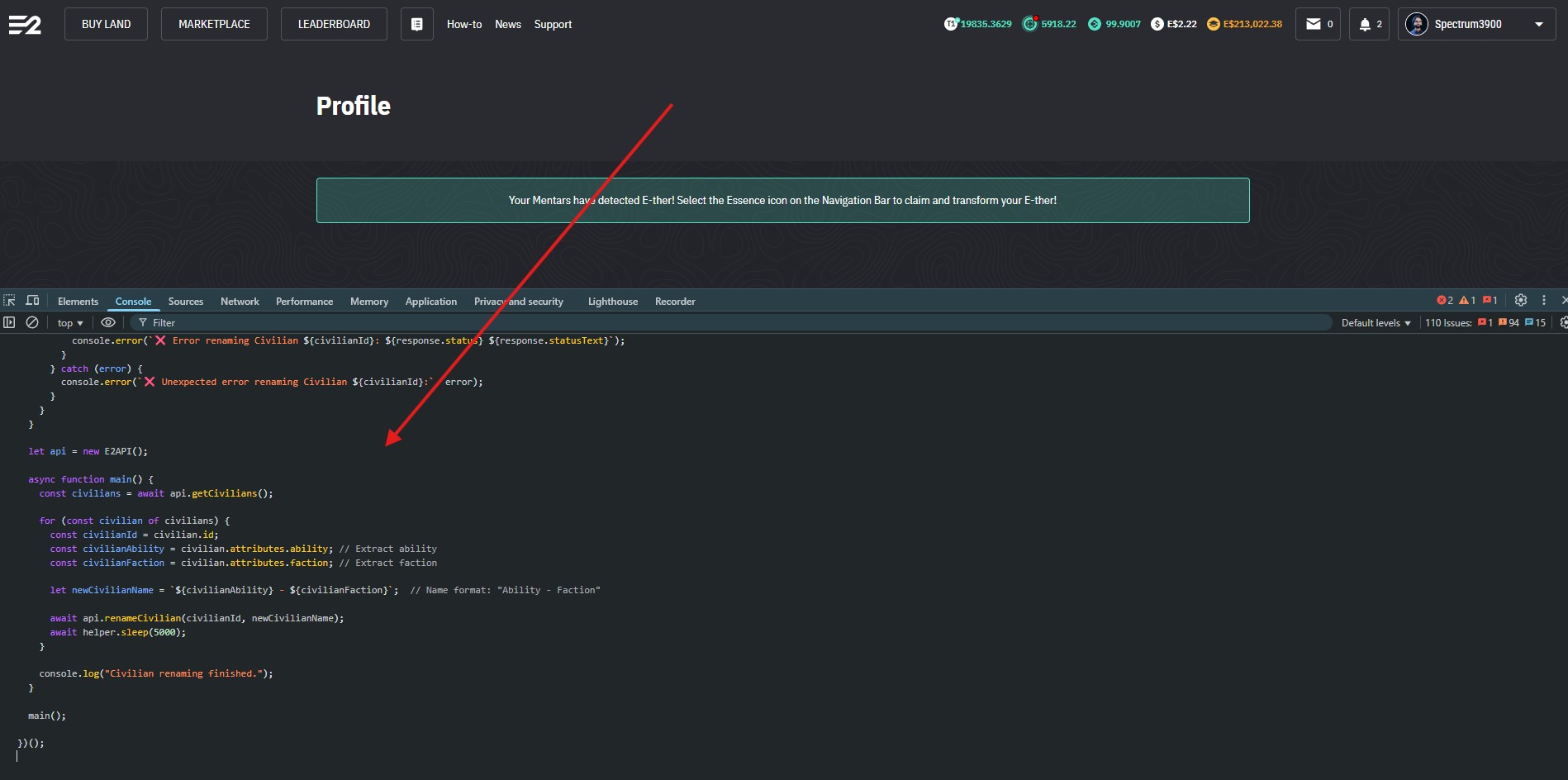
Paste the code in Earth2 tab
Paste the code into the console window and press enter - the code will start executing.
The script will start renaming - this might take some time to finish. You can stop any scripts running in the console log by pressing Control (CTRL) + z.

Learn how to play Earth2 the Metaverse as a Massive-Open-Seamless-World - participate in the Player-to-Players land traded in the marketplace. We will teach you all the secrets of becoming an EcoSim player - taught by long term E2 players.
Earth 2® are trademark or registered trademark of Earth Version 2 Pty Ltd. All rights reserved. All other trademarks are the property of their respective owners.
Terms Privacy policy Press Advertise Contact Press Kit Video Course
Copyright 2026 © E2 University - All rights reserved. Created by Spectrum3900